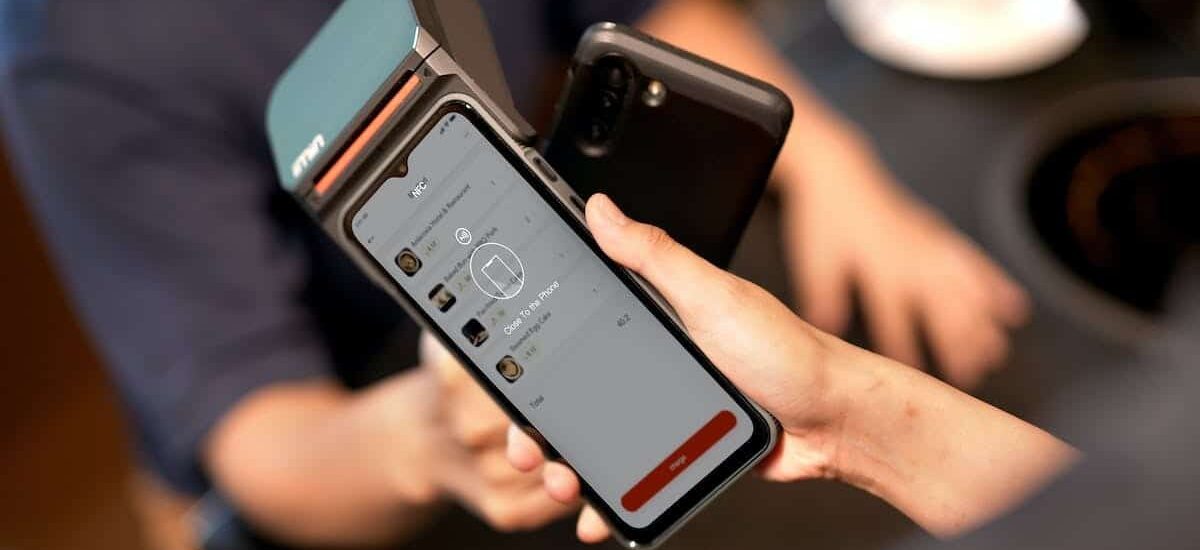
In an increasingly connected world, NFC (Near Field Communication) technology has become ubiquitous. It simplifies our daily lives in multiple ways, including allowing us to unlock gates and parking doors with a simple badge. What should you do if you lose this badge or want to have an extra copy? Fortunately, with an iPhone, it is possible to clone an NFC badge. This practical guide will show you how to do it, step by step.
NFC Badges: How They Work and Their Use
When it comes to copying an NFC badge with an iPhone, there are both advantages and potential risks. Let’s start with the advantages. It offers a practical solution in case of loss or theft of the original badge. You can easily create an extra copy without having to contact the access manager or pay for a new badge.
The ability to clone an NFC badge on your iPhone also allows you to have multiple badges for different people within the same family or organization. This can be useful when you need to temporarily grant access to someone who does not have their own badge.
It is important to note that there are also inherent risks associated with this practice. Indeed, copying NFC badges may be considered a violation of the security system established by the owners or administrators of the relevant buildings or parking facilities.
Some countries may have strictly regulated laws regarding security and personal data protection related to NFC systems. Be sure to understand the legal rules applicable in your area.
Although the possibility is offered today by cloning NFC badges on iPhone, it is essential to think carefully and act in accordance with local laws to avoid any legal or security issues.
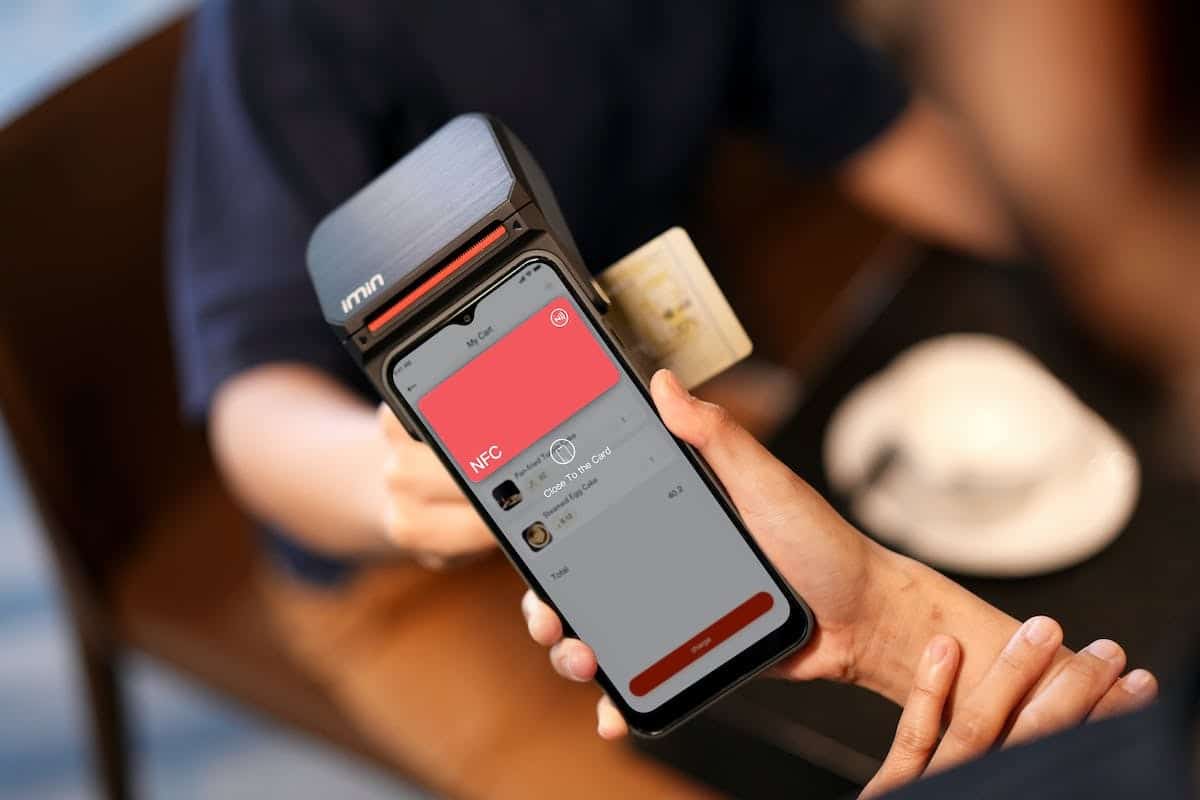
NFC Badge Copying: Advantages and Risks
To copy an NFC badge on iPhone, it should be mentioned that it may be necessary to obtain prior authorization from the access manager before proceeding with any copying or duplication of the NFC badge. Some buildings or parking facilities may have their own policies regarding secure access protection and may require specific approval before any attempt.
You need to use NFC technology. It is recommended to conduct further research and obtain expert security advice before proceeding with any manipulation.
Copying an NFC badge on iPhone can be a practical solution in certain cases, but it is important to consider the necessary prerequisites, ensure that your iPhone has NFC functionality, download a reliable and secure app specialized in cloning NFC badges, acquire a compatible external USB reader/writer for the iPhone, and possibly obtain prior authorization from the access manager. Be aware of the potential risks associated with this practice to avoid any legal or security issues.
Prerequisites for Copying an NFC Badge on iPhone
To clone accesses of a building or parking facility using your iPhone and NFC technology, follow these steps methodically:
Ensure that your iPhone is equipped with NFC functionality by checking in the phone settings.
Search for and download a specialized app for cloning NFC badges from the App Store. Interestingly, there are several apps available that offer this functionality.
Once the app is installed, ensure it is reliable and secure by checking user reviews and overall ratings.
To proceed with copying the NFC badge, you will need an external USB reader/writer compatible with your iPhone. This device will allow you to read and write on the original badge as well as on the newly created chip.
Connect the external USB reader/writer to your iPhone via the Lightning or USB-C port depending on the model of your phone.
From the app interface, select ‘Copy’ or ‘Clone’ to start the duplication process from the original badge to a new blank chip.
Carefully follow all instructions provided by the app to ensure a smooth and accurate process when cloning the badge.
Once the copy is successfully completed, immediately test the new chip by trying to access a secure point such as a building door or a parking barrier. Ensure that the new chip works correctly and allows access.
Please note that each building or parking facility may have different security systems, so check if the cloned badge works successfully before any regular use.
It should be emphasized that this is a technological manipulation. If in doubt, it is always best to contact the access manager to obtain all necessary information about their policy regarding NFC badge cloning.
By following these steps carefully, you will be able to clone accesses of a building or parking facility using your NFC-equipped iPhone. Keep in mind that this practice may be subject to legal restrictions and should only be used for ethical and authorized purposes.
How to Clone Access to a Building or Parking Facility with an NFC Badge
When considering copying an NFC badge on your iPhone, be sure to take certain precautions to avoid any potential issues. Here are some security measures to keep in mind when cloning accesses of a building or parking facility:
Comply with the applicable legislation: remember that cloning NFC badges may be subject to legal restrictions in certain countries or regions. Before proceeding, inform yourself about the local laws and regulations regarding this practice.
Obtain the appropriate authorization: In most cases, cloning an NFC badge without authorization is considered a serious security violation and can lead to legal action. Therefore, always ensure you obtain written permission from the badge owner before any attempt.
Precautions to Take When Copying an NFC Badge
The cloning of NFC badges on iPhone raises important questions regarding security and privacy. While this article has been written for informational purposes, it is crucial to understand the legal and ethical implications associated with this practice.
Currently, cloning NFC badges is often considered a serious security violation. Building or parking owners implement these systems to ensure the protection of property and individuals. Attempting to circumvent these measures can have serious legal consequences.
You should be aware of NFC technology. This technology offers several potential advantages, particularly in the field of access control. By using an NFC-compatible smartphone, it may be possible in the future to access various services simply by bringing your phone close to a compatible reader.
It is expected that NFC technology will continue to develop and integrate further into our daily lives. Many companies are currently investing in this technology to provide a smoother and more secure user experience.
Experts also believe that the future evolution of NFC will allow for better integration with other technologies such as artificial intelligence (AI) or connected objects (IoT). Imagine being able to unlock your door automatically when you bring your phone close to the reader thanks to the NB-IoT/NFC combination!
While it is important to be aware of the risks associated with cloning NFC badges, you should stay informed about future developments in this technology. With responsible and legal use, NFC has the potential to enhance our daily lives by simplifying and securing our interactions with the services we access.
NFC Technology: Future Perspectives
The technological advancements in the field of NFC offer exciting opportunities, but they also raise questions about security and privacy. Be sure to remain vigilant in the face of these developments and adopt a responsible approach when using this technology.
In the near future, it is possible that access control systems based on NFC will be strengthened to prevent any attempts at cloning or fraudulent use. Companies will need to invest in additional measures to ensure the protection of sensitive data and ensure increased integrity within their infrastructures.